
For residents
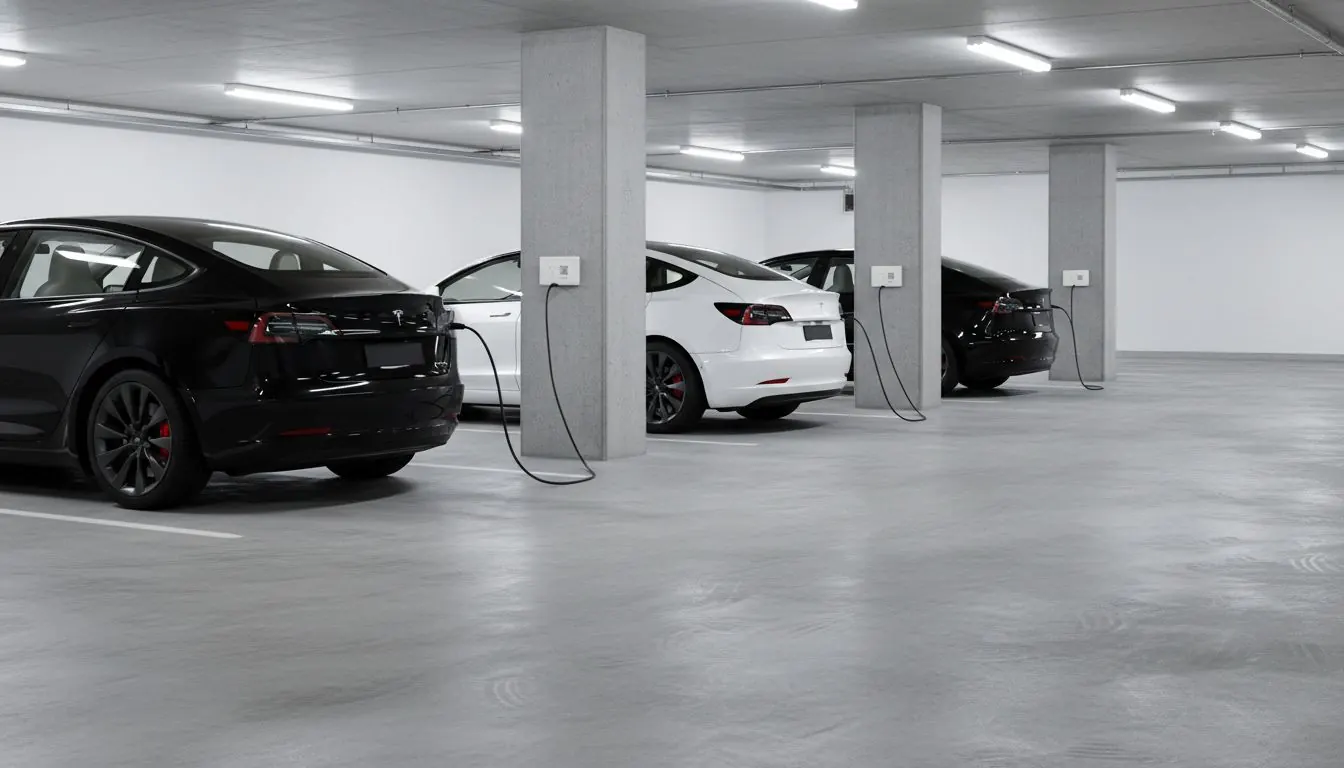
Metered electricity for the outlet in your apartment building, for ordinary appliances as well as EV use.
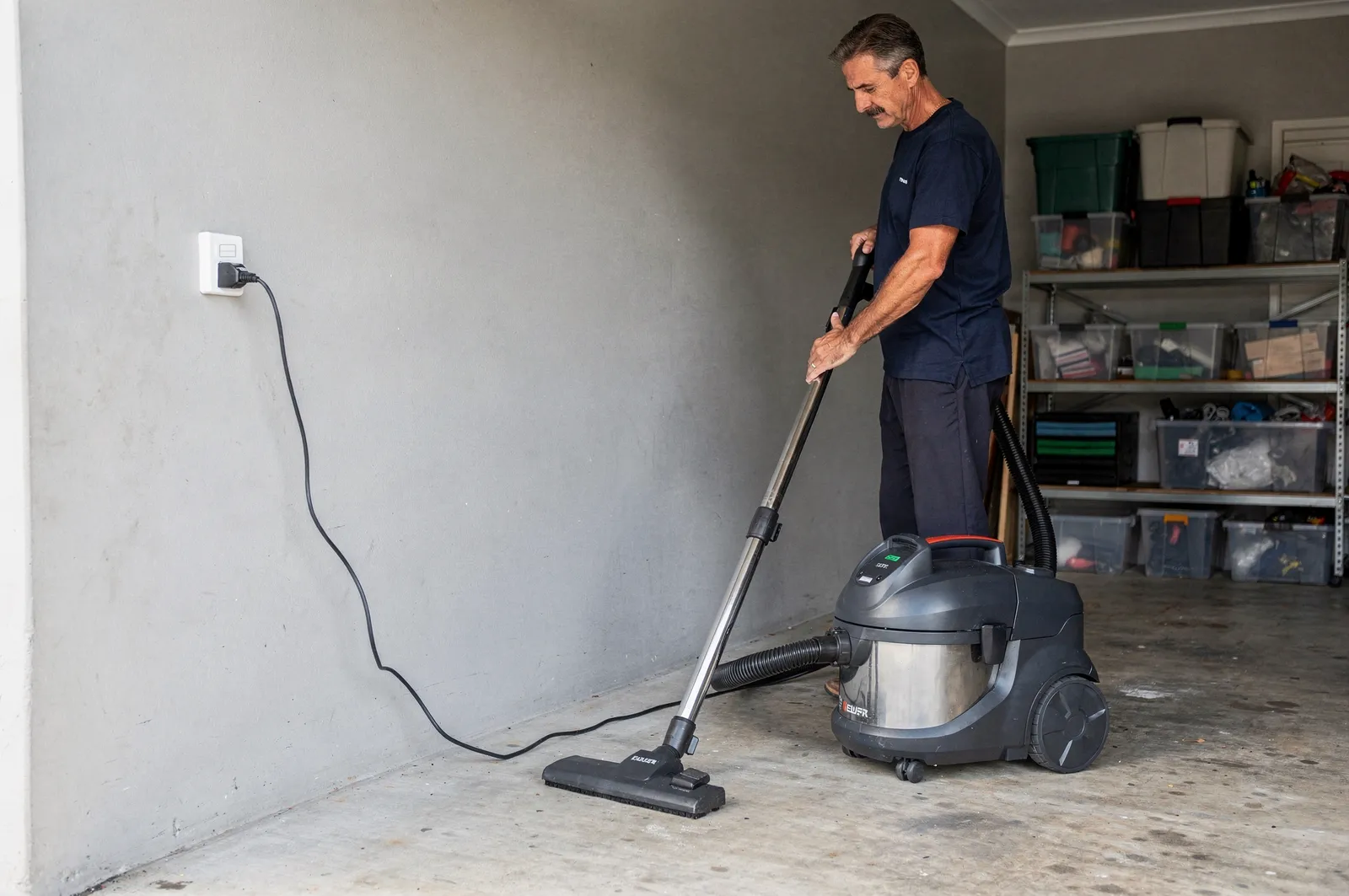
01 Start
Three steps
-
Scan
Scan the QR label on the outlet. It shows which outlet it is.
-
Sign in
Sign in at app.ampwise.energy. You need an invitation from Ampwise, which your building can request.
-
Start
Check the price and terms, save a card and start.
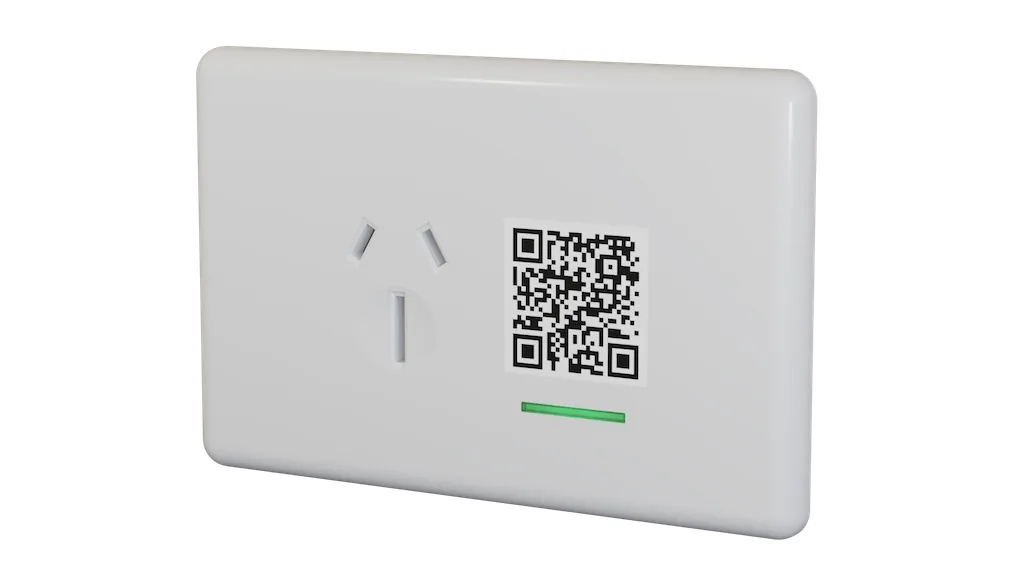
The QR label only identifies the outlet. It does not give you access.
02 In use
Plug in as usual
Keep using the outlet's wall switch as normal. The app shows your usage and bills, and lets you pause the outlet.
- Usage in kWh, with its period
- The price before you start
- Your bills and payments, kept separate from usage
- No subscription: you pay for the electricity you use
03 Reliability
Your outlet keeps its state
If the building's internet connection drops, the Ampwise Gateway keeps your outlet as it was. It is designed to store readings for up to seven days and send them when the connection returns.
Need help?
Step-by-step guides are at docs.ampwise.energy. For anything else, send us a message.